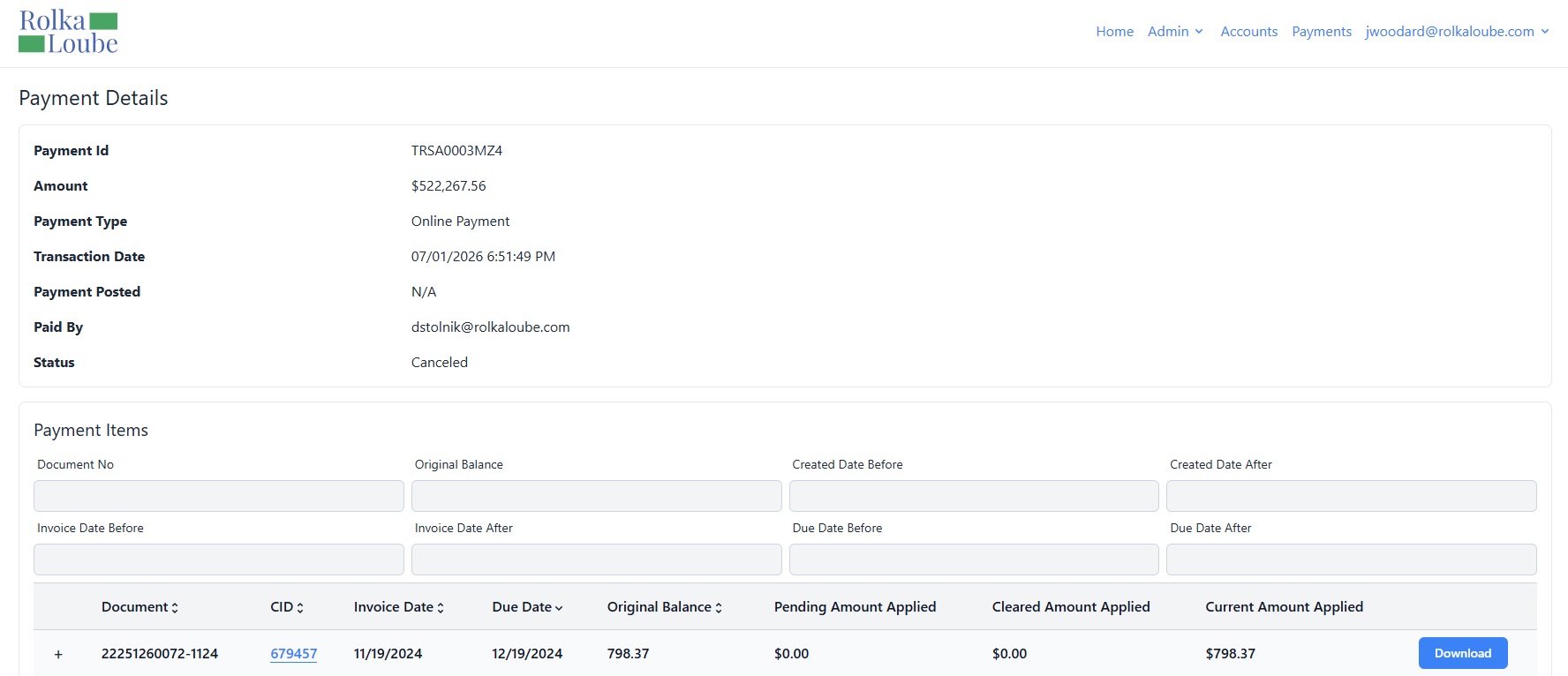
Viewing a payment allows the contributor to view the details of any payment type or a cancelled payment. Use the following steps to view a payment.
-
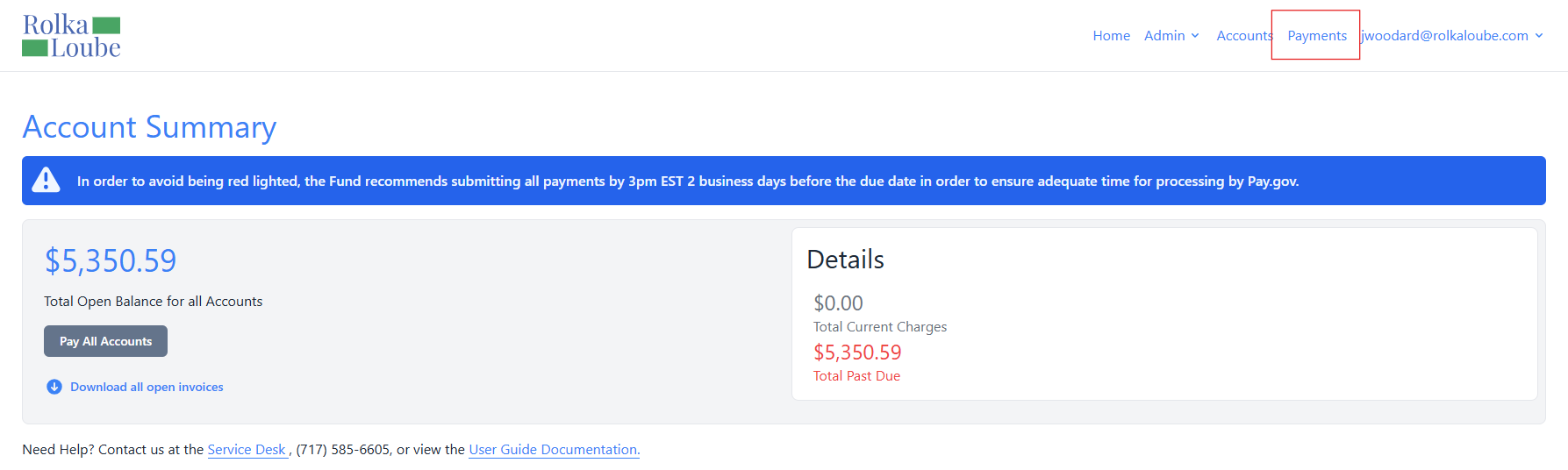
Log in to the RLPay application. The Account Summary page appears.
Account Summary -
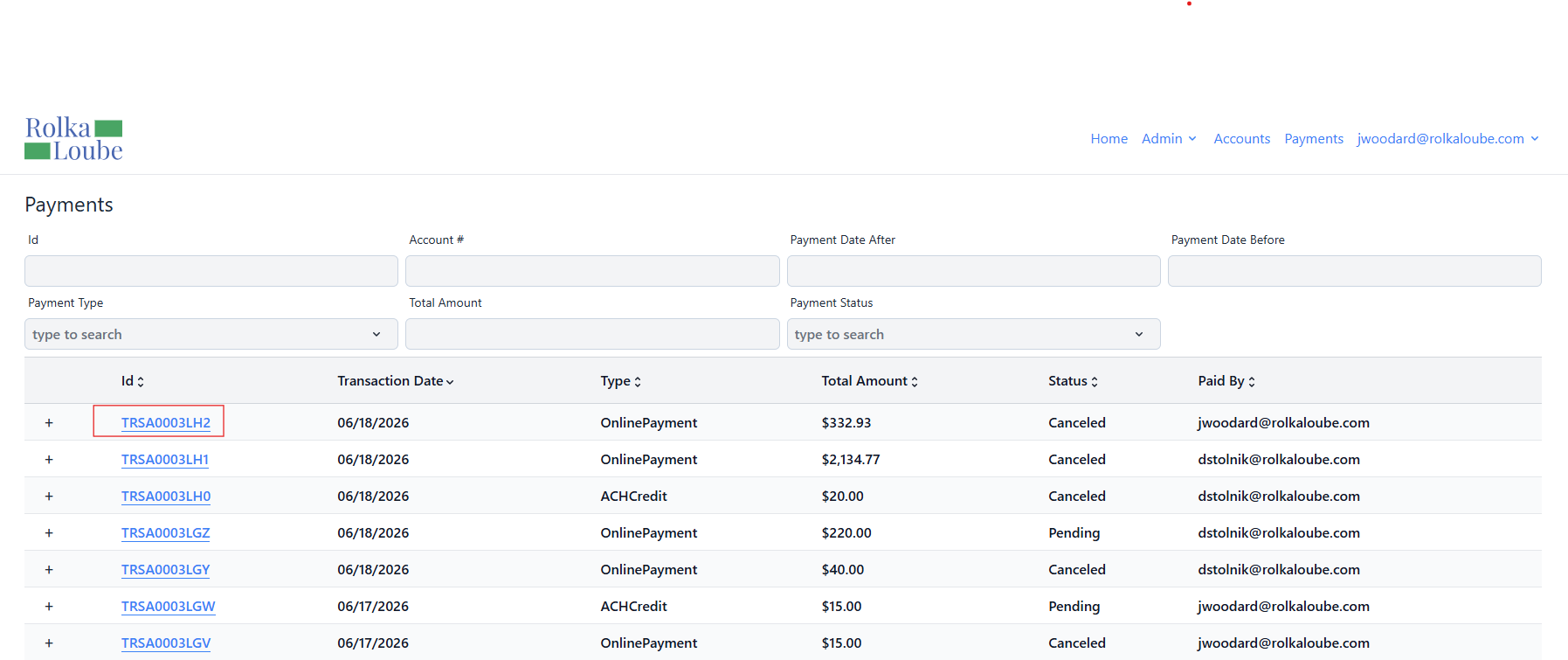
Select Payments at the top of the page.
Payments -
Select the Id of the payment you want to view. The Payment Details page is displayed with the following:
-
Payment Id
-
Amount
-
Payment Type
-
Transaction Date
-
Payment Posted
-
Paid By
-
Status
-
Note: You can also download a payment invoice from here. You will only see the data from the invoices and accounts to which you have access.