
Use the following steps to sort payments.
-
Log in to the RLPay application. The Account Summary page appears.
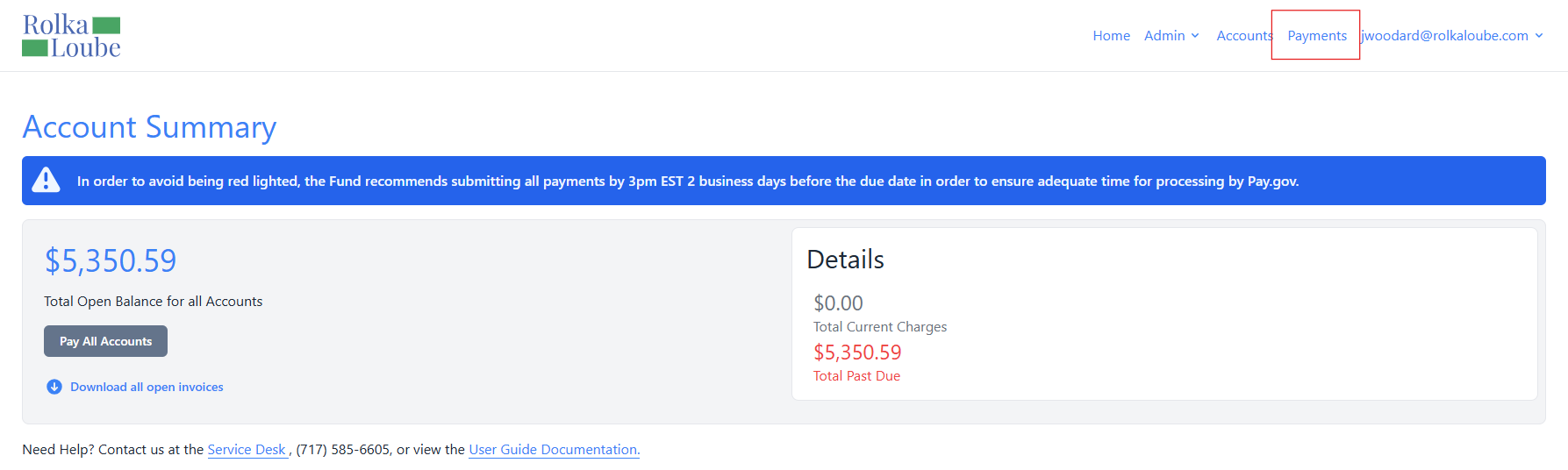
Account Summary -
Select Payments at the top of the page.
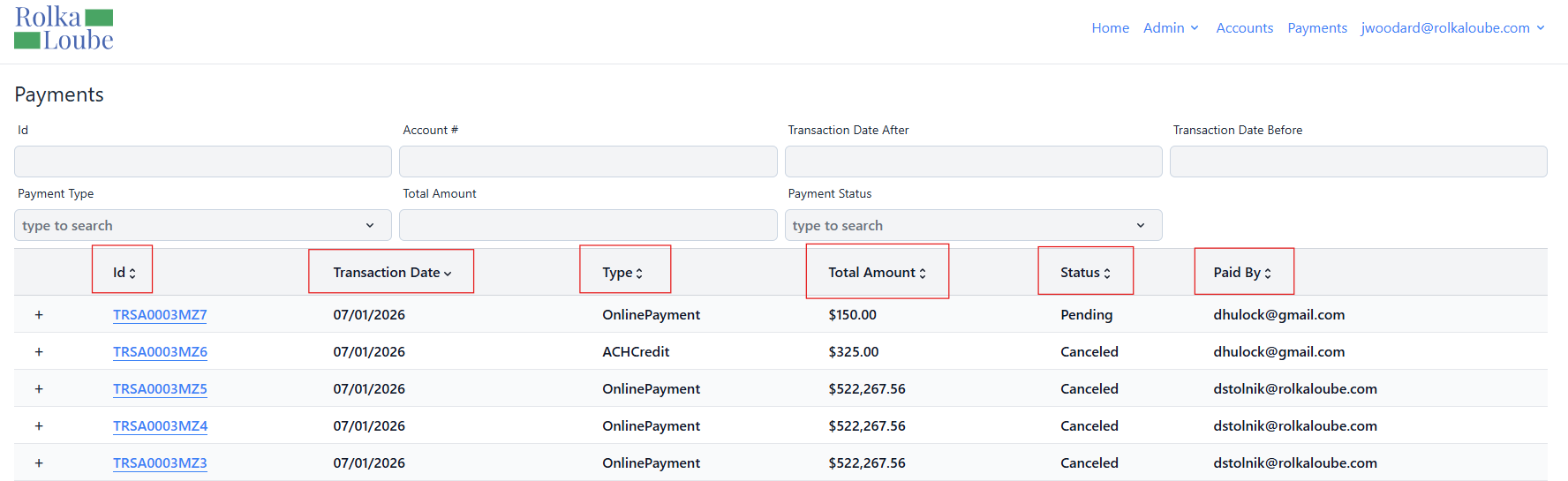
Payments -
Select a column name to sort payments by that field.
-
Select the column name again to sort payments in the opposite order.