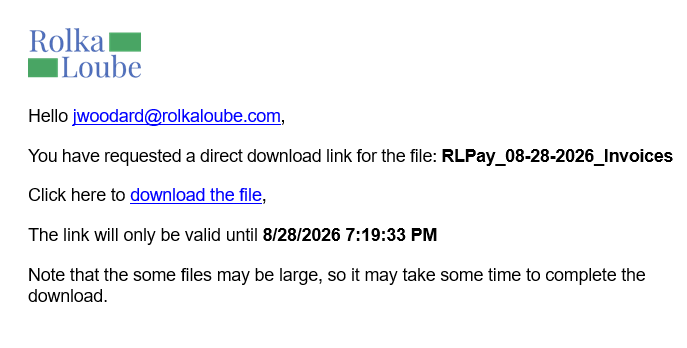
Downloading all open invoices downloads all of the open invoices from all accounts that have an open balance and that the user is a part of and emails them to the user. Use the following steps to download all open invoices.
-
Log in to the RLPay application. The Account Summary page appears.
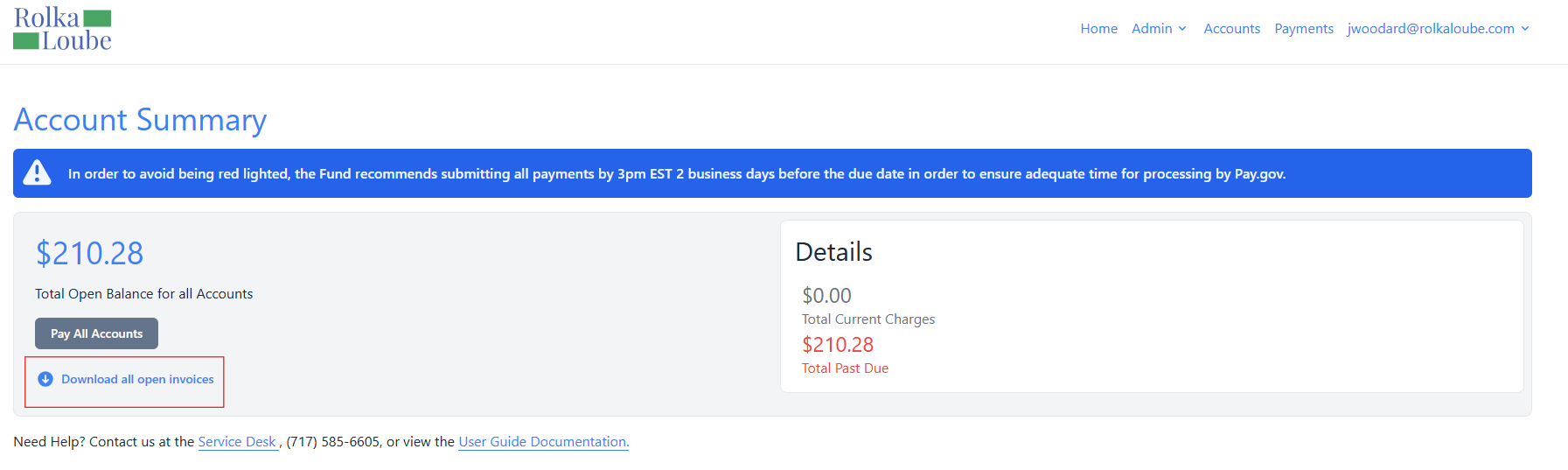
Account Summary -
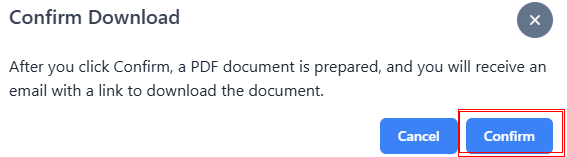
Select Download all open invoices. The Confirm Download pop-up window appears.
-
Select Confirm. The message Download Request Received You will receive an email in the near future with a link to download the document. appears in green.