
Use the following steps to filter payments.
-
Log in to the RLPay application. The Account Summary page appears.
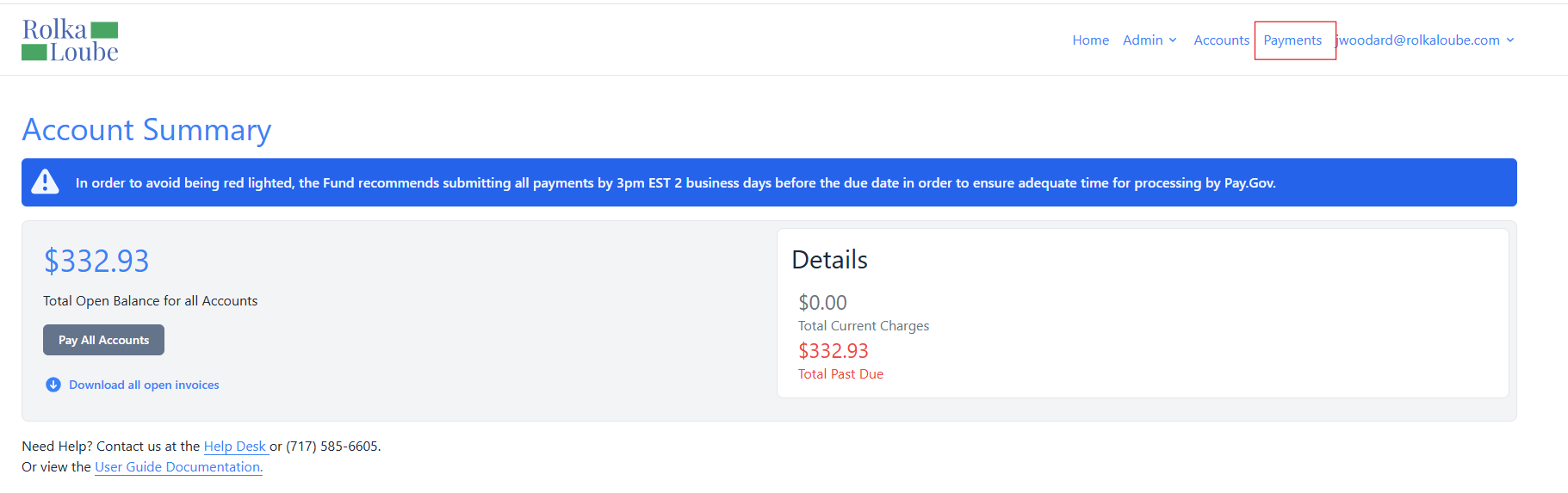
Account Summary -
Select Payments at the top of the page.
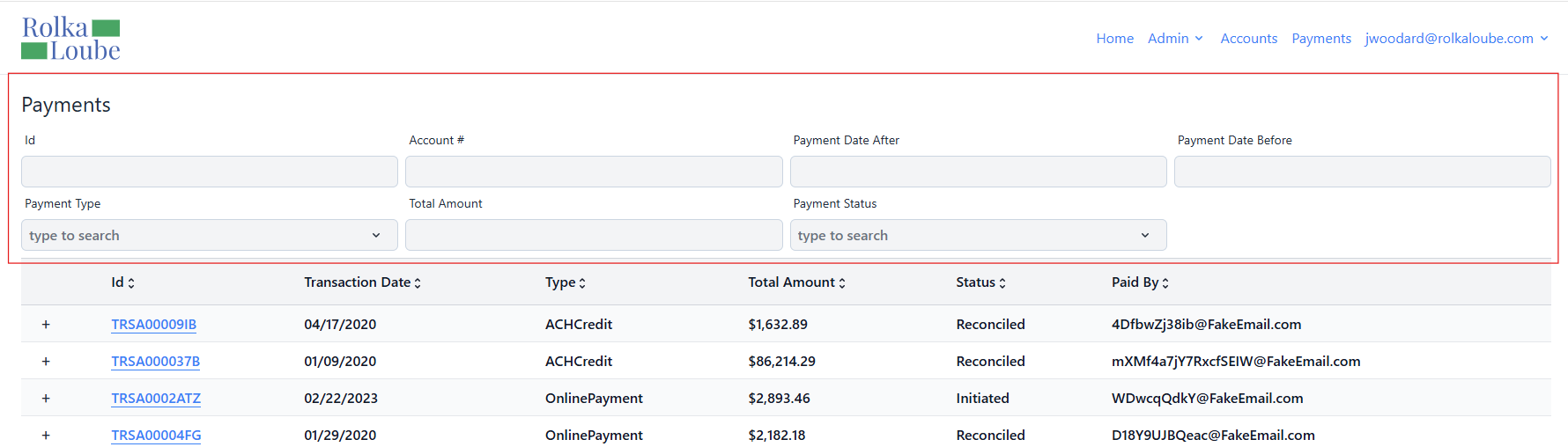
Payments -
Enter your search criteria into the field by which you would like to filter. A list of payment items will appear based on your filter.