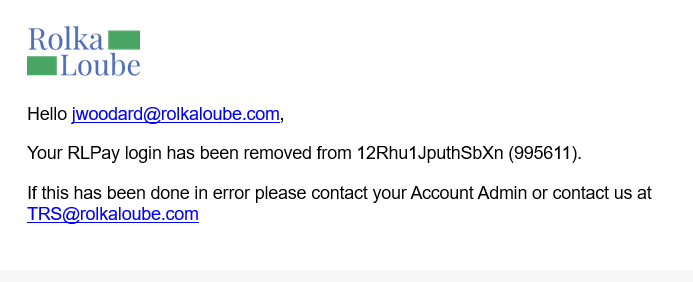
Removing a user from an RLPay account disassociates the user from that account. The user can no longer access or interact with the account. If the user is associated with other RLPay accounts, they can continue to log in and access those accounts. Use the following steps to remove a user from an account.
-
Log in to the RLPay application. The Account Summary page appears.
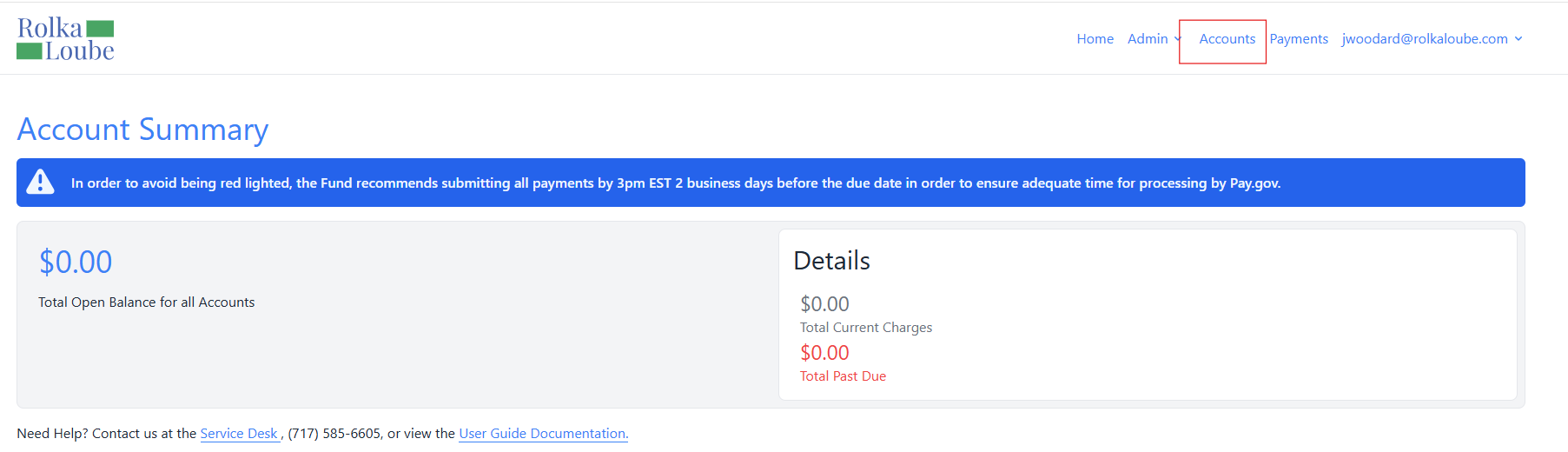
Account Summary -
Select Accounts at the top of the page. The Accounts page appears.
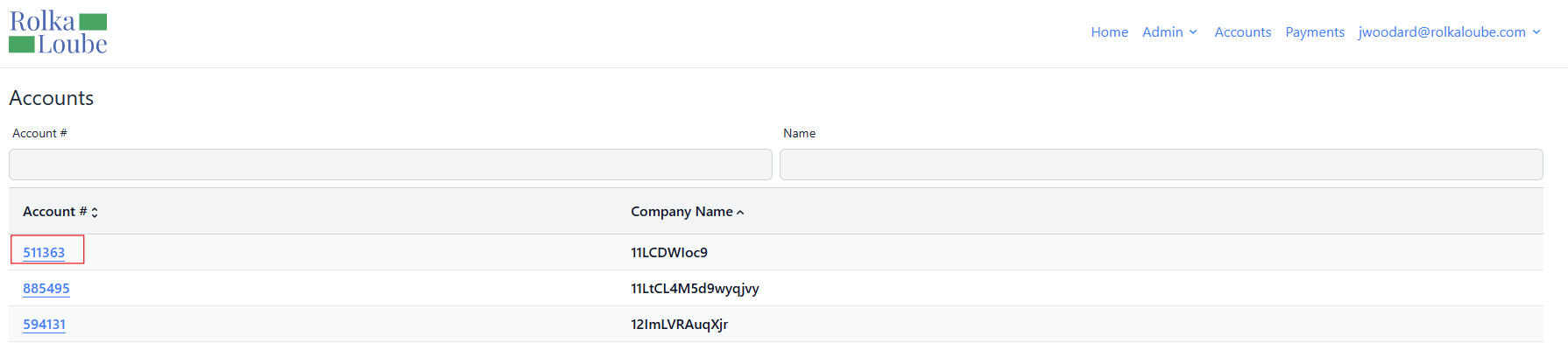
Accounts -
Select the account from which you want to remove the user. The Account page appears.
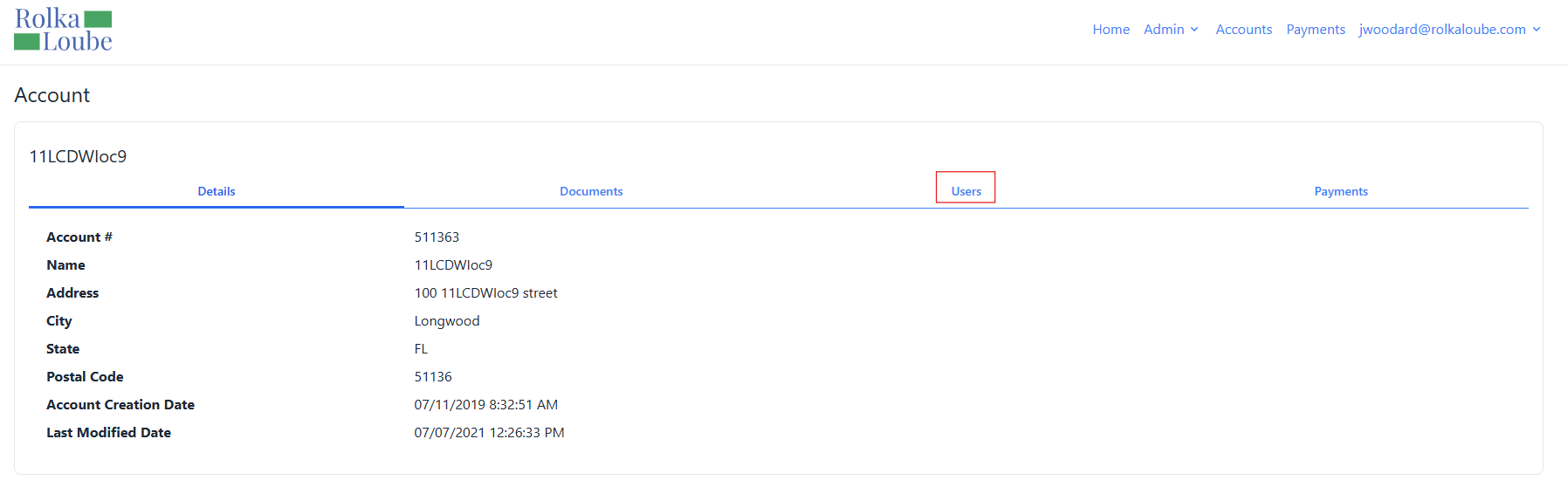
Account -
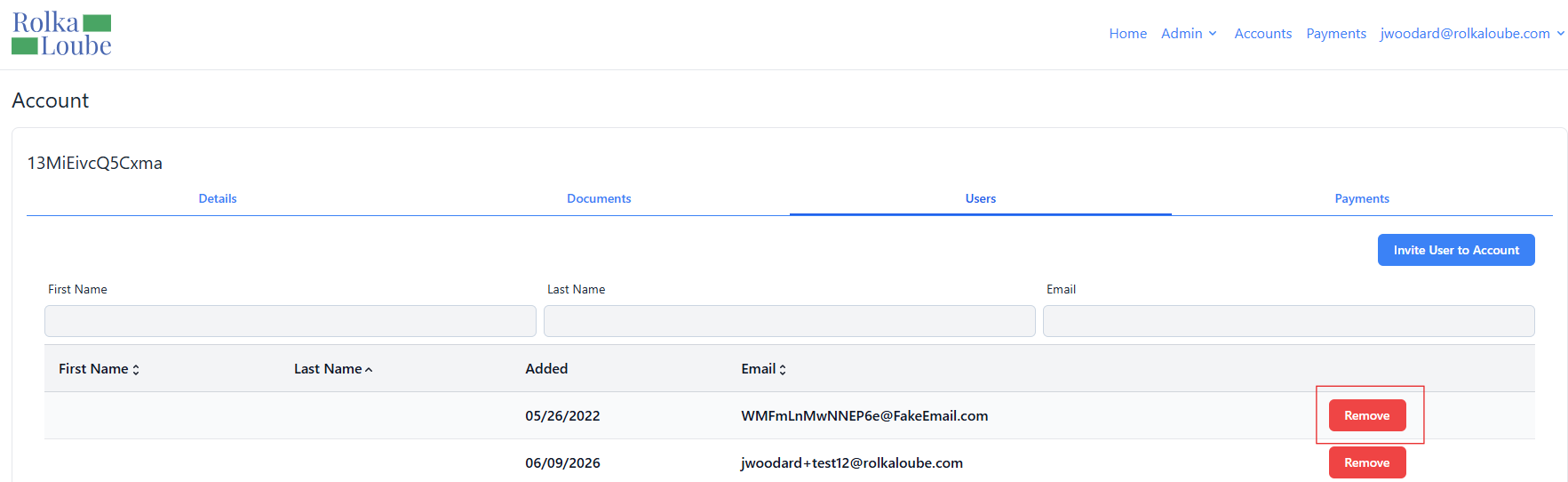
Select Users.
Account -
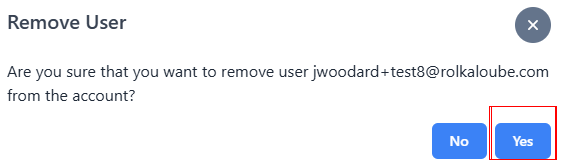
Select Remove next the user you want to remove from the account. The Remove User pop-up window appears.
Note: You cannot remove the last user of an account.
-
Select Yes. The user receives an email that they have been removed from the selected account. The message User removed from account appears in green.