
Editing a user profile gives the user the ability to change their first and last name within the RLPay system. Use the following steps to edit a user profile.
-
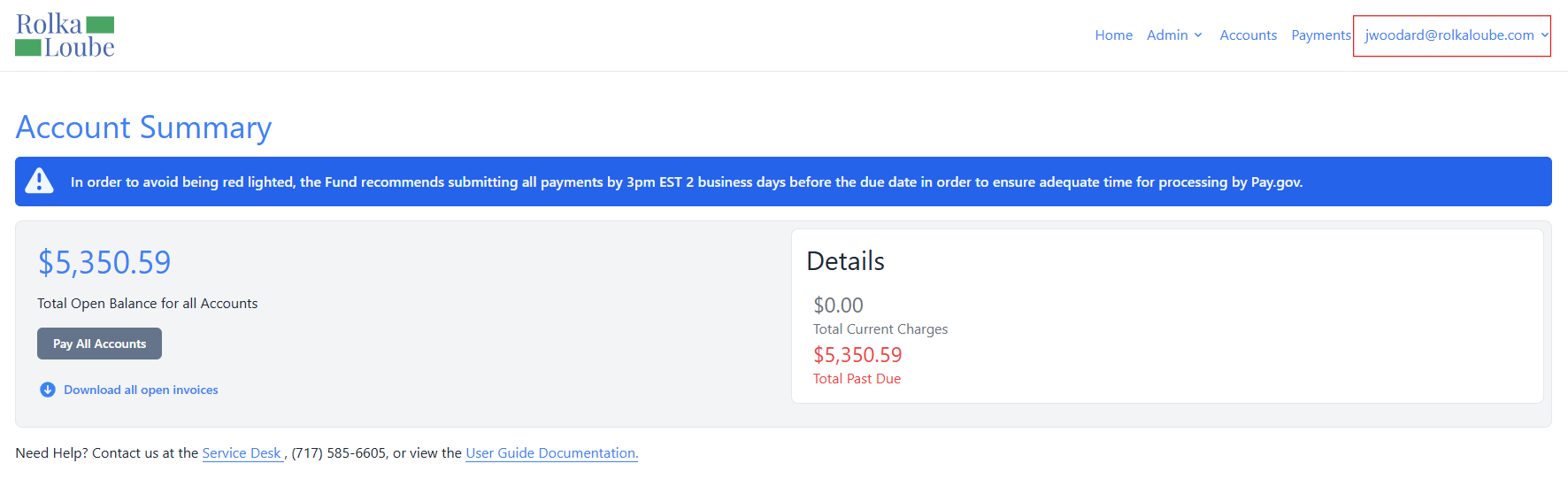
Log in to the RLPay application. The Account Summary page appears.
Account Summary -
Select your email in the upper-right corner.
-
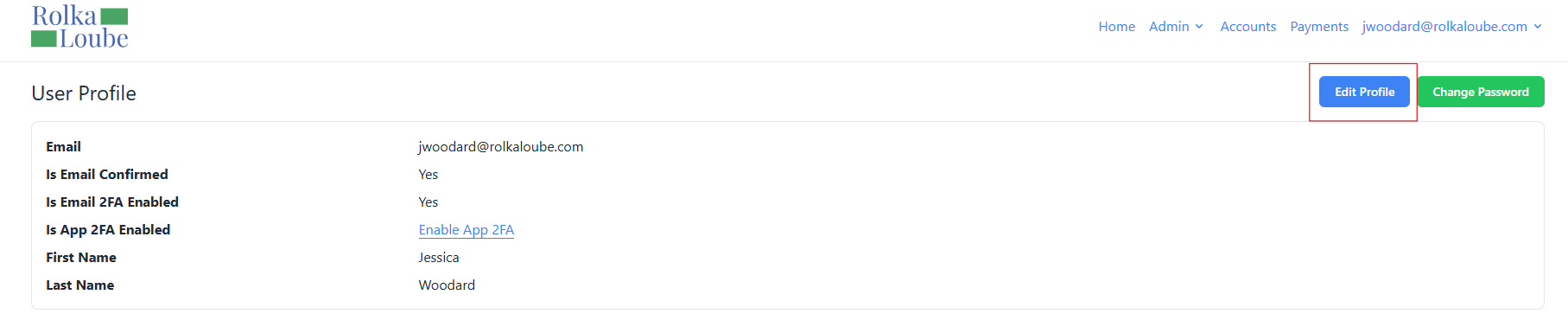
Select Profile from the drop-down menu. The User Profile page appears.
User Profile -
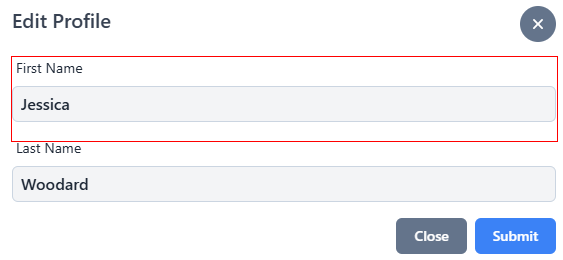
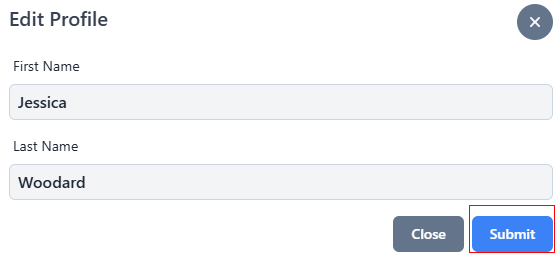
Select Edit Profile. The Edit Profile pop-up window appears.
-
Update the first name in the First Name field, if necessary.
-
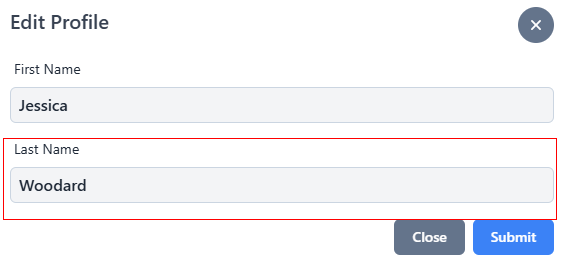
Update the last name in the Last Name field, if necessary.
-
Select Submit. The message Profile Info Updated Successfully appears in green.
