
Disabling two-factor authentication (2FA) on your account no longer requires you to use an external authentication device at log in. A user can only log in once with 2FA disabled before 2FA becomes automatically enabled again. Use the following steps to disable 2FA.
-
Log in to the RLPay application. The Account Summary page appears.
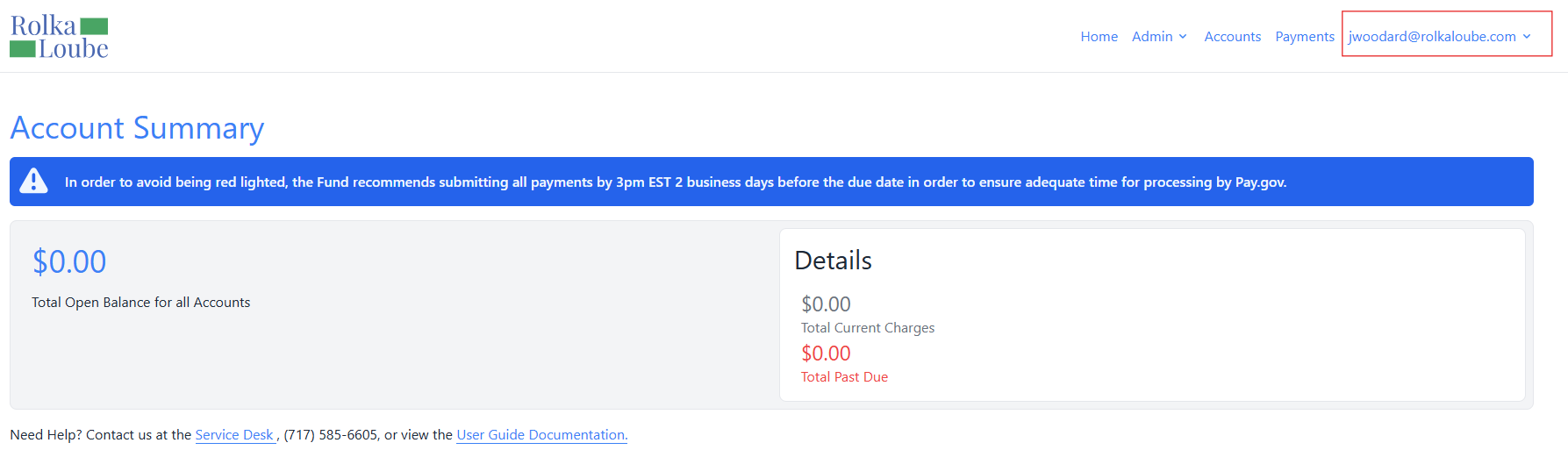
Account Summary
-
Select your email address in the in the upper-right corner.
-
Select Profile from the drop-down menu. The User Profile page appears.
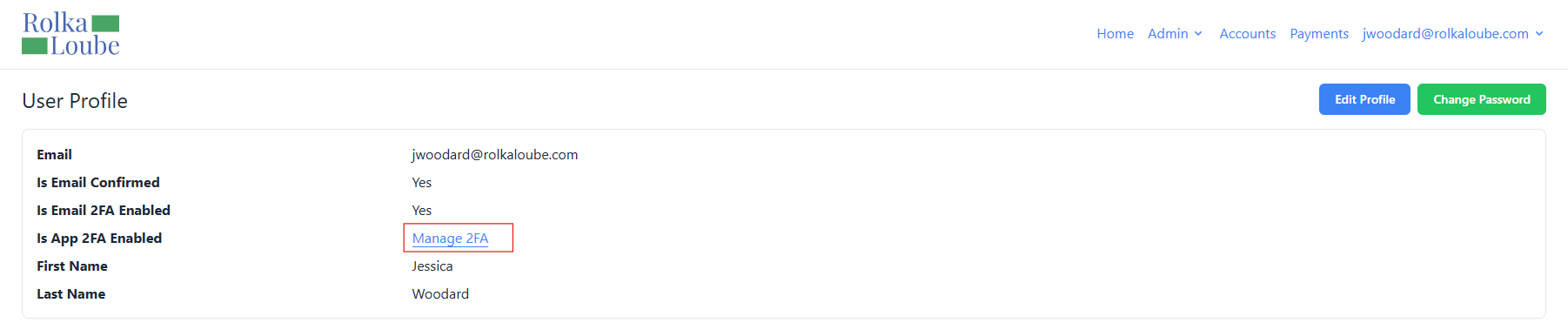
User Profile -
Select Manage 2FA. The Manage App 2FA page appears.

Manage App 2FA -
Select Disable App 2FA. The Disable Auth App 2FA pop-up window appears.
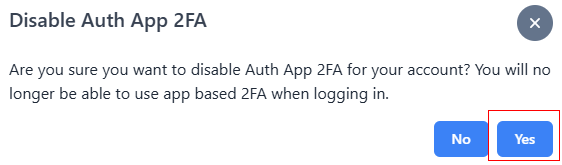
-
Select Yes. The Manage App 2FA page appears. The message 2FA app disabled successfully. appears in green.